


Write a Review
1. Click the following link to Write A Review.
Note: You may want to print these instructions first because clicking the link will open a new window which could take you away from these instructions.
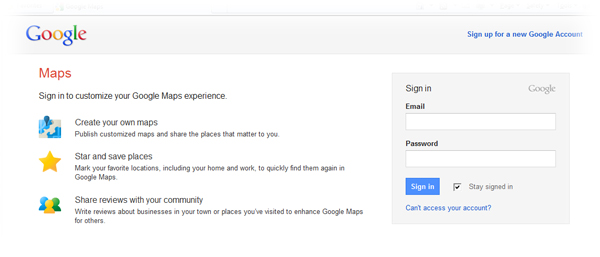
2. You are now on a Google sign-in page. Enter your Gmail user name and password.
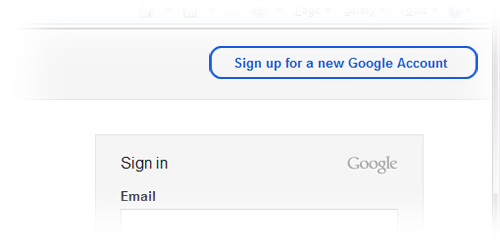
3. If you do not have a Google/Gmail account then click on “Sign up for a new Google Account” in the top right corner.
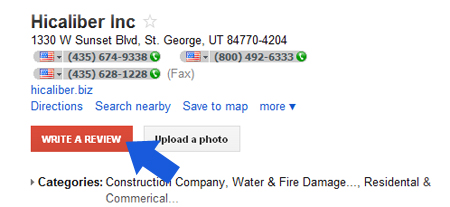
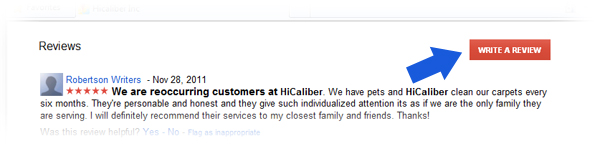
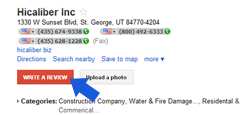
4. Once you have signed in click the red box that says “Write A Review”.
5. Click on the stars to rate. A pop up box will appear. Click “Get Started”.
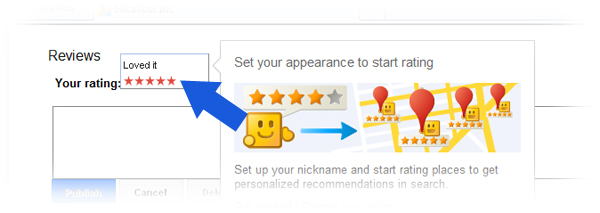
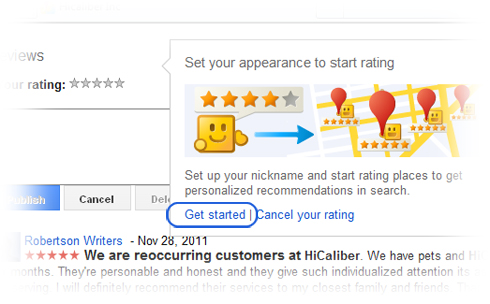
6. If this is your first time using Google Places you will be prompted to enter your User name.

7. Enter “HiCaliber Utah” in the search box.
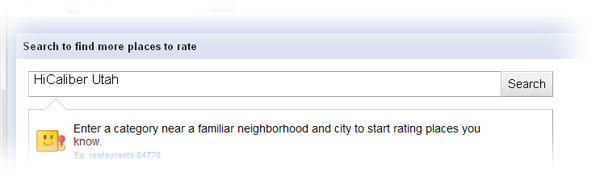
8. Click on HiCaliber.
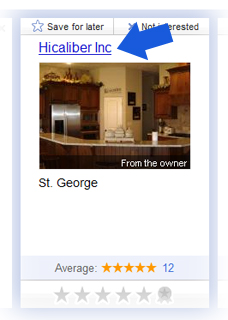
9. Now click the red box that says “Write A Review”.
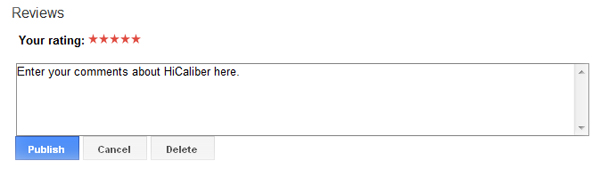
10. Click on the stars to rate. Enter your comments in the box. Then click PUBLISH.